If you’ve ever lost important files, you already know one thing , backups are not optional anymore.
In 2026, almost everything we do is digital. Photos, work files, business data, passwords, client records , it all lives on devices. And devices fail. Hard drives crash. Laptops get stolen. Ransomware locks systems. Accidents happen.
That’s why the real question isn’t “Do I need a backup?”It’s “What kind of backup should I use, cloud or local?”
Let’s break this down in simple terms.
What Is a Local Backup?
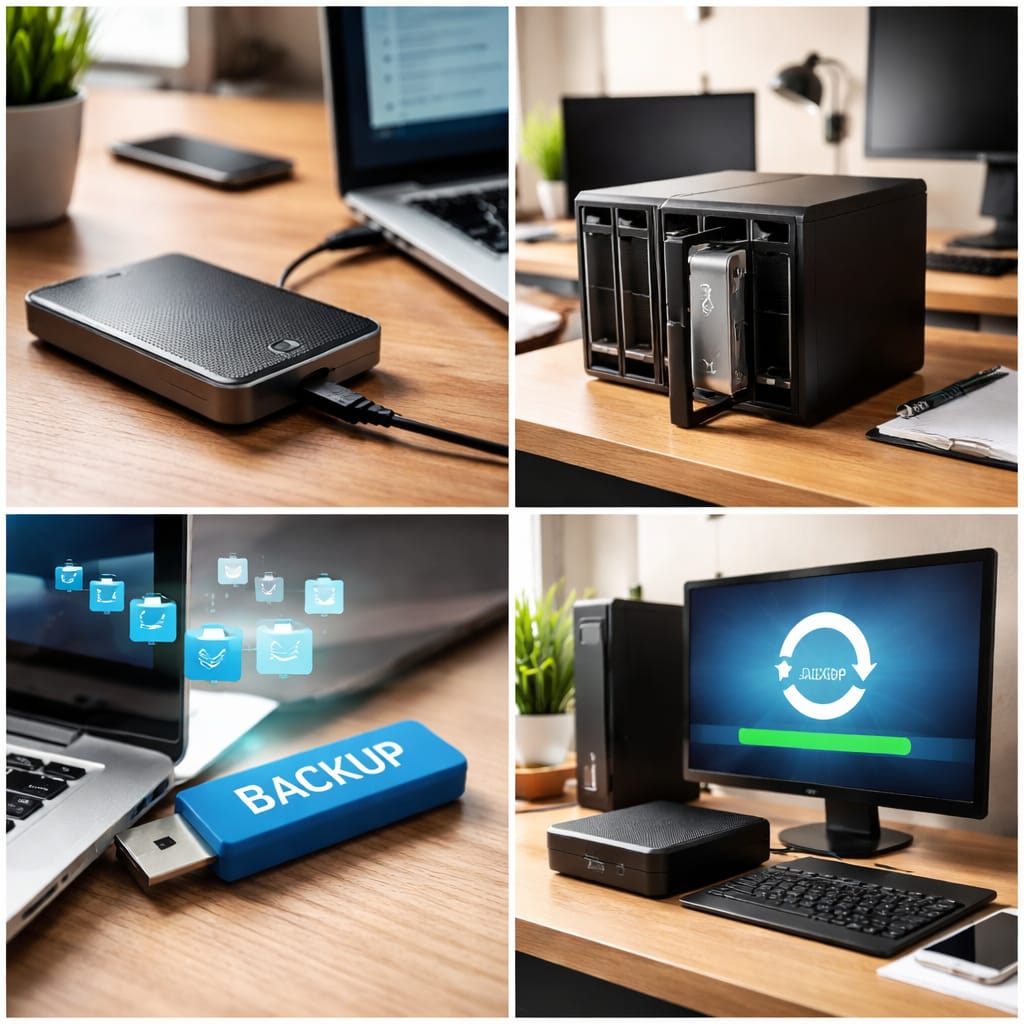
A local backup means storing your data on a physical device that you own and control.
This usually means:
- An external hard drive
- A portable SSD
- A USB drive
- A NAS device at home or office
Advantages of Local Backups:
1. Faster Backup and Restore Speed
Local backups are usually much faster because the data is stored on a device physically connected to your system, like an external hard drive or NAS.
There’s no internet dependency involved. When you need to restore large files or an entire system, it happens much quicker compared to downloading from the cloud. This is especially helpful during emergencies when downtime matters.
2. No Internet Dependency
One big advantage of local backups is that they work even without an internet connection. If your internet is slow, unstable, or completely down, you can still access your backup files.
This makes local backups very reliable in offices or areas with limited connectivity. You are not dependent on bandwidth or data limits.
3. Better Control Over Data
With local backups, your data stays physically with you. You don’t need to rely on third-party servers to store sensitive information. This gives individuals and businesses more confidence, especially when dealing with confidential files.
You decide how the backup device is secured, accessed, and managed.
4. One-Time Cost (No Monthly Fees)
Most local backup solutions involve a one-time investment in hardware like an external drive or storage server. Unlike cloud backup services, there are no recurring monthly or yearly subscription charges.
Over the long term, this can be more cost-effective, especially for users with large storage needs.
5. Quick Recovery from Hardware Failure
If your main computer crashes or a hard drive fails, a local backup allows you to quickly restore everything. Since the data is nearby, you can recover entire systems, applications, and files without waiting for large downloads.
This minimizes downtime and helps businesses continue operations smoothly.
What is Cloud backups ?
Cloud backup is a method of storing your data on remote servers that are managed by a third-party service provider. Instead of saving files on a physical device like an external hard drive, your data is securely transferred over the internet to data centers located in different geographic locations.
These providers maintain high-security infrastructure to protect your information from loss, theft, or hardware failure. When you enable cloud backup, your files are automatically copied at scheduled intervals, ensuring that the latest version is always protected. Even if your laptop crashes, gets stolen, or your office faces a disaster, your data remains safe in the cloud.
You can access and restore your files from anywhere using an internet connection. Cloud backup is widely used by individuals, small businesses, and enterprises because it offers flexibility, scalability, and convenience. It removes the need to manage physical storage devices manually. In simple words, cloud backup acts like an online safety locker for your digital data.
Advantages of Cloud Backup

1. Access From Anywhere
One of the biggest benefits of cloud backup is remote accessibility. You can restore or view your files from any device, whether you are at home, in the office, or traveling. This is extremely useful for remote teams and businesses with multiple locations.
As long as you have internet access, your data is within reach. It provides flexibility that local backups cannot always offer. This makes business continuity much smoother.
2. Protection Against Physical Damage
Cloud backups protect your data from risks like fire, theft, flooding, or hardware failure. If your office computer is damaged or stolen, your files remain secure in remote data centers. Since data is stored offsite, local disasters do not affect your backups.
Many providers also replicate data across multiple servers for extra safety. This significantly reduces the risk of permanent data loss.
3. Automatic and Scheduled Backups
Cloud backup solutions allow automatic scheduling, so you don’t have to remember to back up manually. The system can run daily, weekly, or even continuous backups in the background. This reduces human error and ensures the latest data is always protected.
It also saves time and effort for IT teams. Automation increases reliability and consistency in data protection.
4. Easy Scalability
As your storage needs grow, cloud backup can easily scale up without buying new hardware. You simply upgrade your plan or add more storage space. This is very helpful for growing businesses that generate large amounts of data.
There’s no need for physical installation or complex setup. It offers flexibility without infrastructure investment.
5. Strong Security and Encryption
Most cloud backup providers use advanced encryption methods to protect your data during transfer and storage. This means your files are converted into unreadable formats unless authorized access is granted. Many services also include multi-factor authentication and strict security controls.
Professional data centers follow industry compliance standards. This ensures your sensitive data remains confidential and secure.
Conclusion
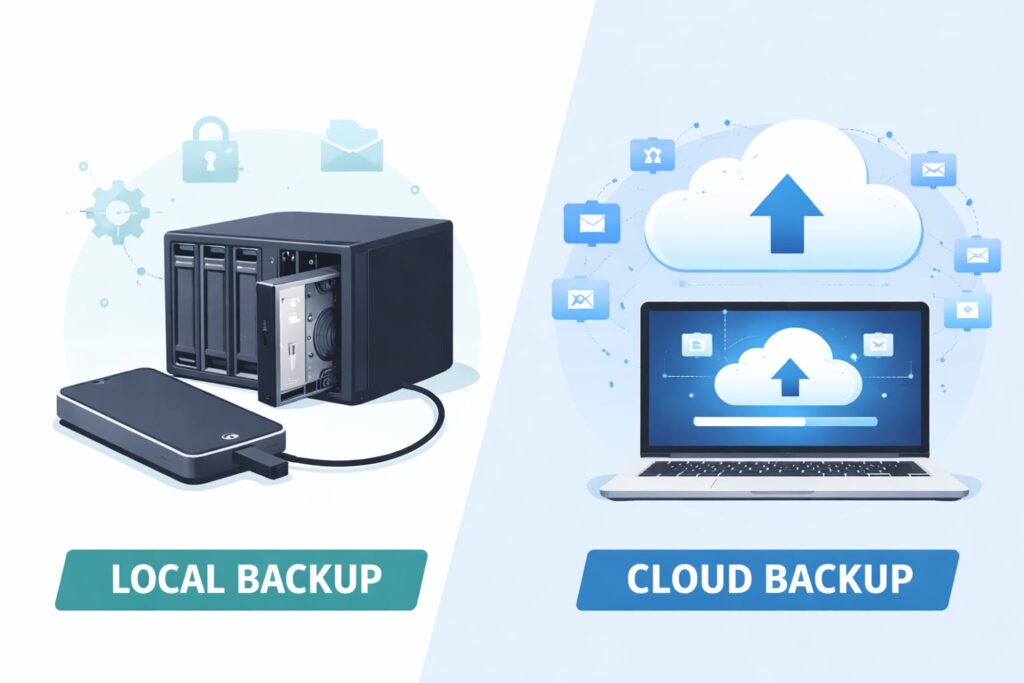
Both local backup and cloud backup have their own strengths, and the right choice depends on your needs. Local backups offer faster recovery speeds and full control over your data since everything is stored physically with you. They are ideal for quick restores and environments where internet access may be limited or unreliable.
However, they can be vulnerable to physical damage like theft, fire, or hardware failure.On the other hand, cloud backups provide remote access, automatic scheduling, and protection against local disasters. They are highly scalable and convenient, especially for businesses with remote teams or growing storage requirements.
In reality, the best approach is often a hybrid backup strategy, using both local and cloud backups together. This way, you get the speed of local recovery and the safety of offsite cloud protection. A balanced backup plan ensures maximum data security, minimal downtime, and long-term peace of mind.
If you want to understand backups in detail, check out our previous article:👉 [What Is Local Backup? A Complete Guide]